
VeylCut
Remove, don’t hide
Replace selected pixels, strip EXIF, and export a flattened PNG — all processed locally on your device.

Same receipt. Sensitive part gone.
Mark the voucher area, replace the pixels, export a flattened PNG. Here’s before, covered, and with the pixels gone.


Demo photos. Branding on the site uses the official VeylCut wordmark — not the sample store text printed on the receipt.
How you do it
Four steps on your phone. Everything stays on device.
-
01
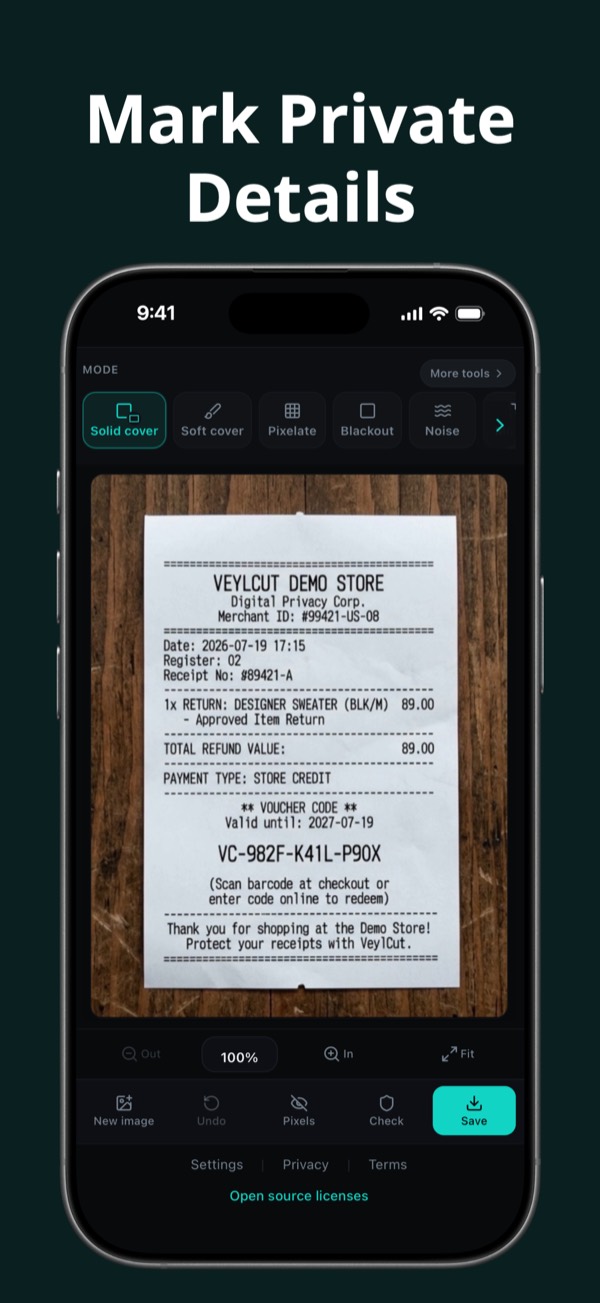
Mark private details
Tap or drag a box over what shouldn’t be shared. Zoom and slide to get it precise.
-
02
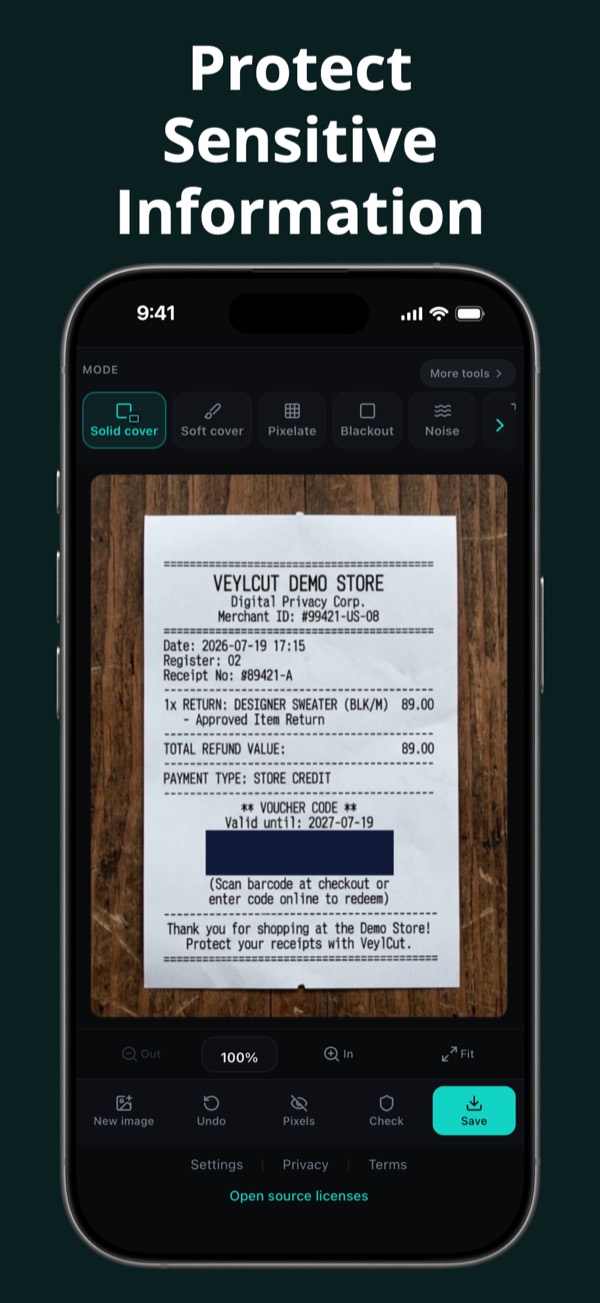
Protect sensitive information
Choose a cover mode and hide what matters — solid cover, blackout, and more.
-
03
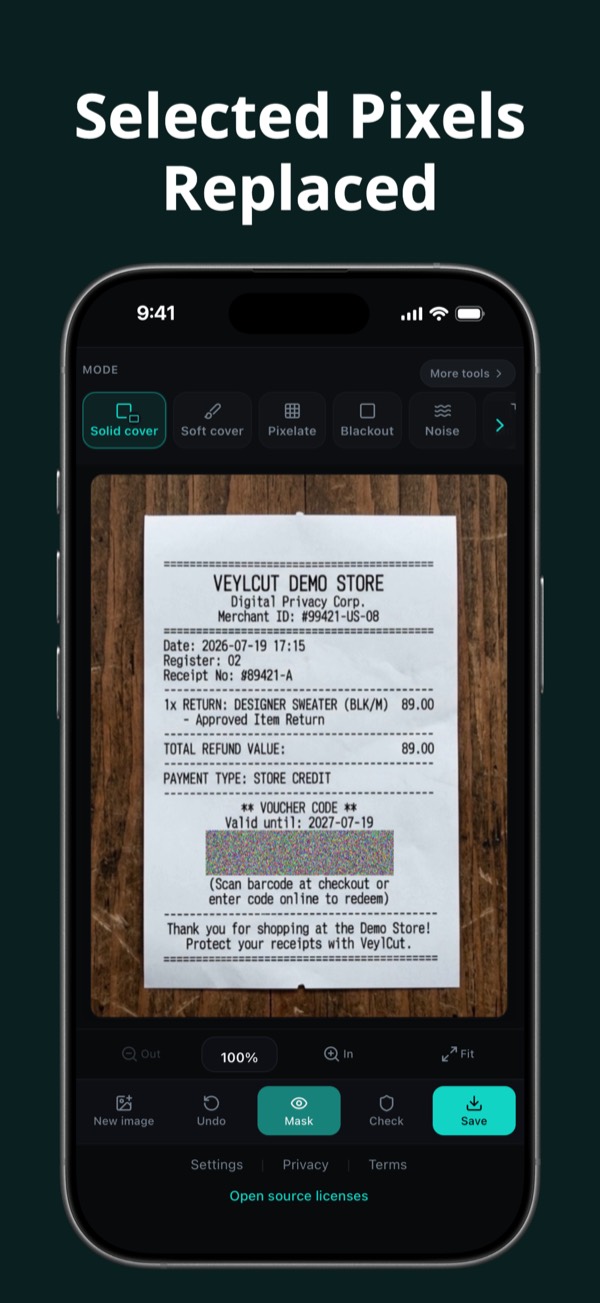
Replace the pixels
Marked source pixels are replaced in the export — not just covered visually.
-
04
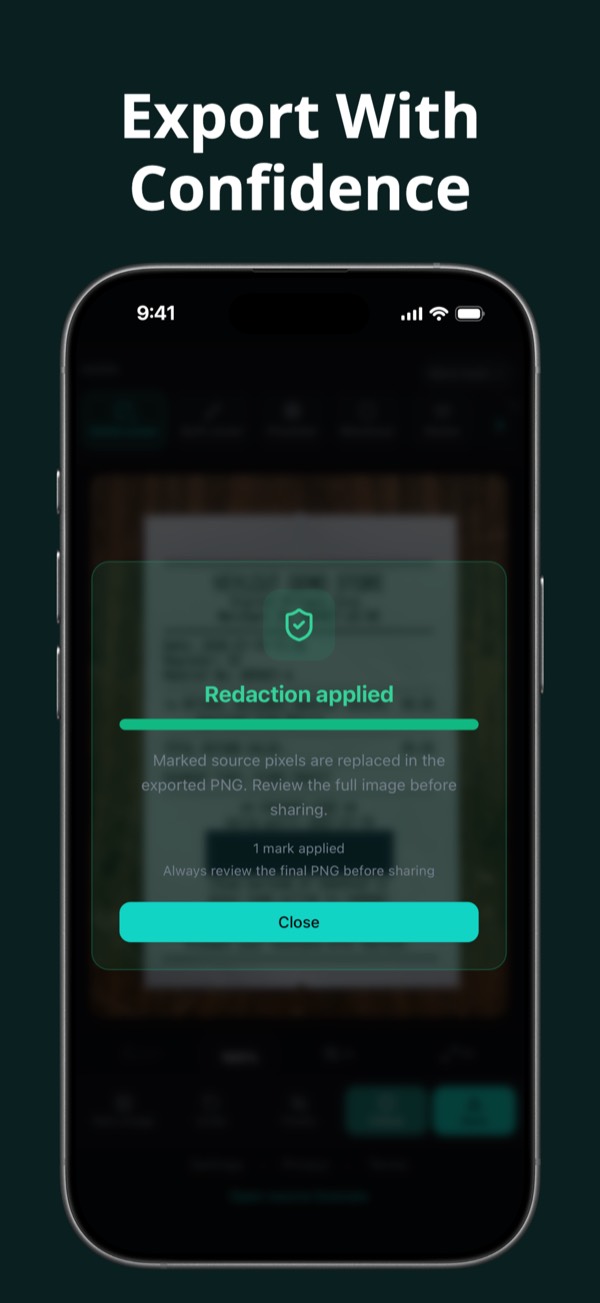
Export with confidence
Flattened PNG, EXIF designed to be omitted. Always review the final image before sharing.


Processed on your device
All processing happens locally. Images are not uploaded to VeylCut servers. No account is required — the app only accesses an image after you select it.
- Pixels replaced — not just covered visually
- EXIF stripped from the export
- Flattened PNG — no hidden edit layers
Cover modes
Captured from the real app — solid cover, soft cover, pixelate, blackout, noise and mosaic.


See VeylCut in your language
The six App Store screenshots, shown in the language of this page.


FAQ
Short answers to the questions people ask first.
Are my images uploaded?
No. In this version, images you choose are not uploaded to VeylCut servers. Processing is designed to happen locally on your device.
Does VeylCut work offline?
Core image processing is designed to work locally and does not require an internet connection. Starting a subscription, restoring purchases, or checking subscription status may require internet through Apple, Google, or RevenueCat.
What happens to EXIF and metadata?
The exported PNG is designed to omit metadata from the original image. Always review the final file before sharing.
What are the system requirements?
iPhone: iOS 16.6 or later. Android: Android 10 or later. Store listings will show the exact supported devices when they go live.
Is VeylCut free?
VeylCut offers eligible new subscribers a 7-day free trial. After the trial, an annual subscription is required to continue using VeylCut. VeylCut is ad-free. Trial availability may depend on App Store or Google Play eligibility.
Is redaction enough on its own?
VeylCut securely removes the areas you select by replacing the original pixels and exporting a flattened, metadata-free PNG. However, you should still review the complete image before sharing to make sure no other visible information needs to be removed.
What happens with very large images?
On some Android devices with little memory, a very large image cannot be edited safely at full size. VeylCut then asks before it continues with a smaller copy, and shows the original and saved resolution. If you agree, the saved image has that lower resolution. The original file is never changed, and the marked pixels are replaced in exactly the image you save.
Get VeylCut
Try VeylCut free for 7 days where the store offers an eligible trial, then subscribe annually to keep using protected image workflows. VeylCut is ad-free.
Coming soon to the App Store and Google Play.
Store listings will open here when VeylCut is published.